
Secure by default
Local accounts, groups, and optional OIDC keep every volume authenticated and auditable.
Self-hosted file access for teams, homelabs, and agencies with a refined interface.
nextExplorer is a modern, self-hosted file explorer crafted for teams, creative agencies, and homelabs that demand both polish and control. It ships as a single Docker container, works perfectly with mounted volumes, and pairs seamlessly with reverse proxies or zero-trust networks.
nextExplorer arrives ready to run. Drop the container on any host, mount your volumes, expose the UI port, and the explorer is live with integrated caching, thumbnails (FFmpeg), and configurable session secrets.
Minimal Docker-compose to start
services:
  nextexplorer:
    image: nxzai/explorer:latest
    container_name: nextexplorer
    restart: unless-stopped
    ports:
      - '3000:3000'
    environment:
      - NODE_ENV=production
      - PUBLIC_URL=http://localhost:3000
    volumes:
      - /srv/nextexplorer/config:/config
      - /srv/nextexplorer/cache:/cache
      - /srv/data/Projects:/mnt/Projects
      - /srv/data/Downloads:/mnt/Downloads
For full set of config see Environment Reference.
Run it with docker compose up -d, then visit http://localhost:3000 to finish the onboarding wizard.
USER_ROOT and USER_DIR_ENABLED.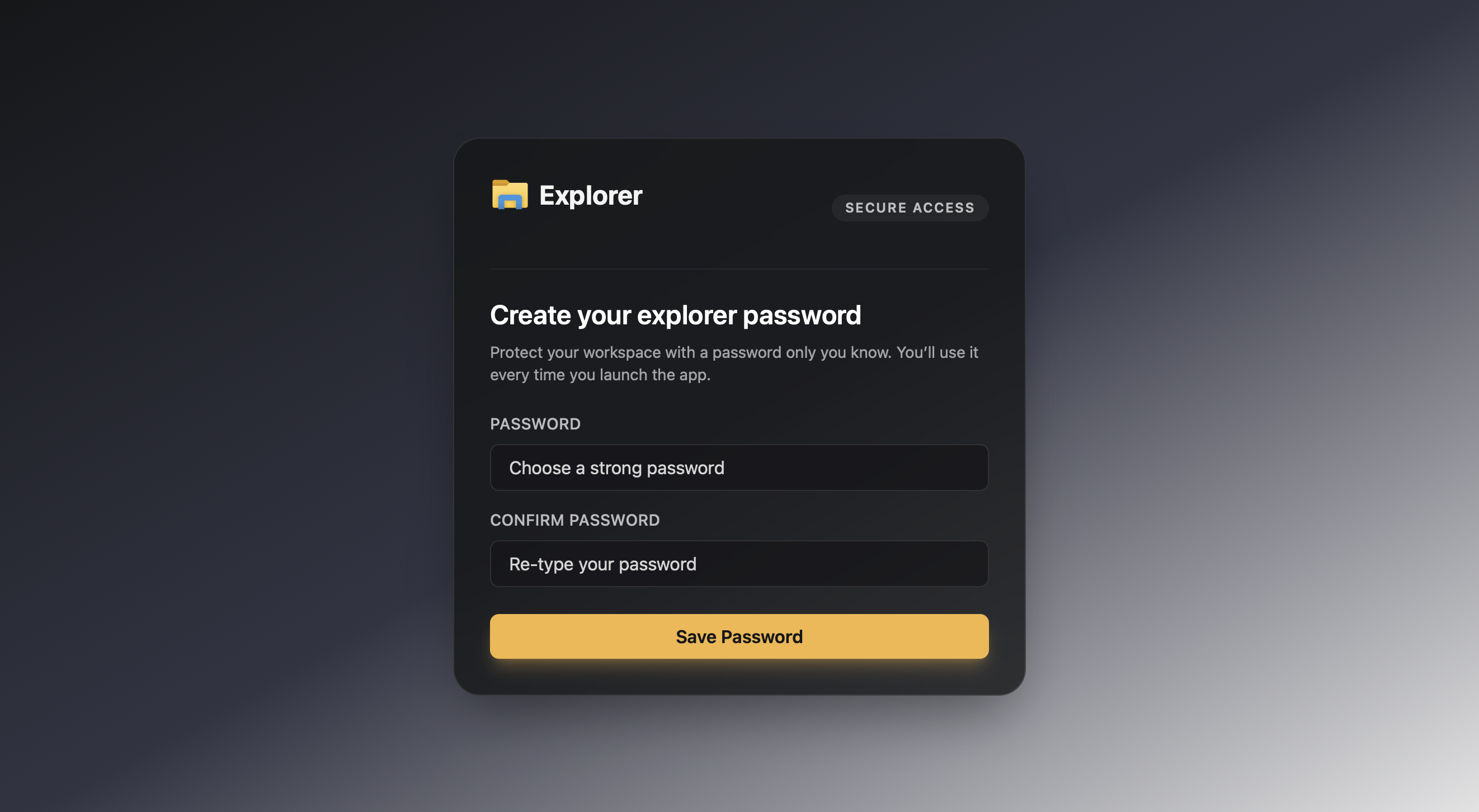 | 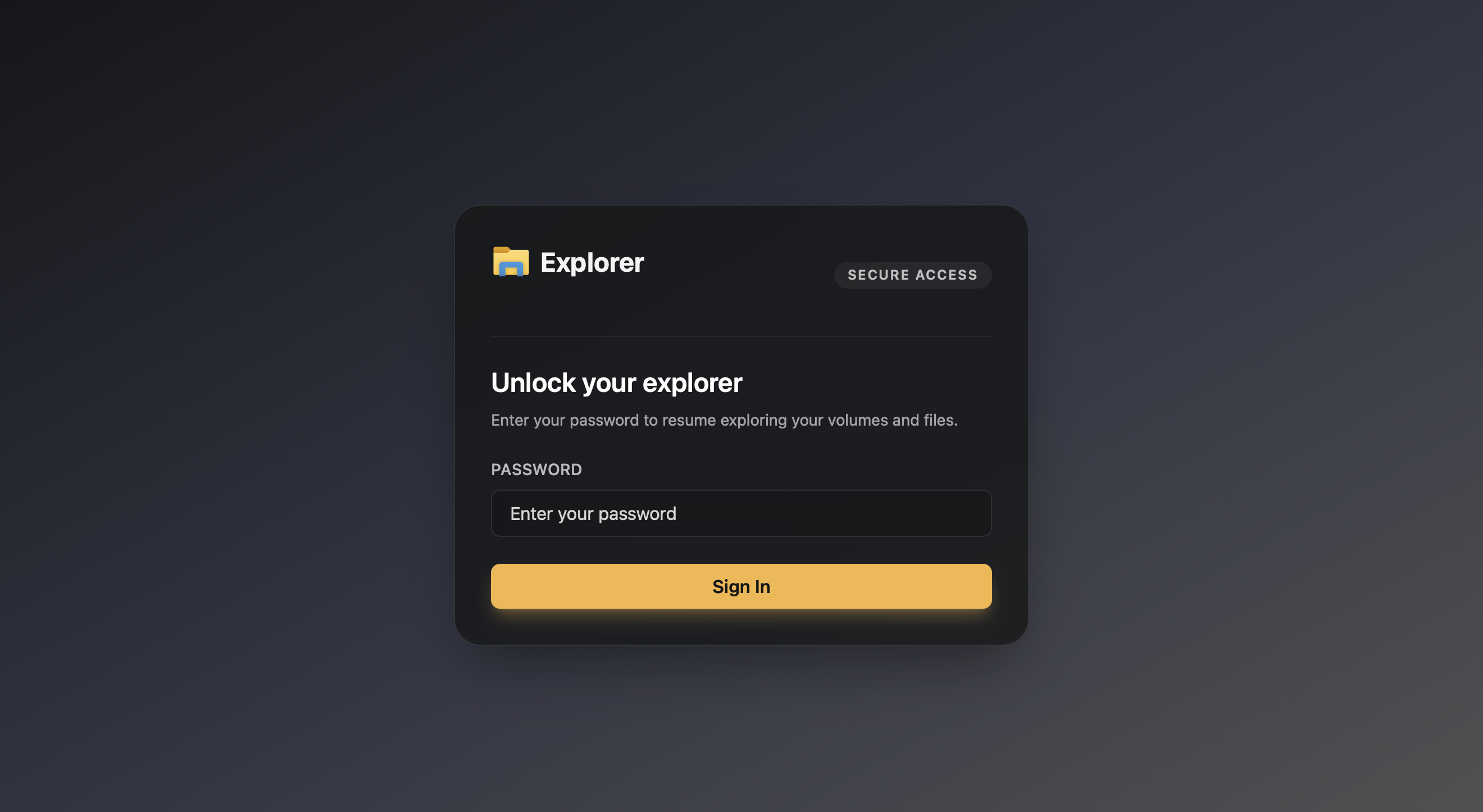 |
|---|---|
| Create a password to protect access. | Unlock trusted sessions quickly. |
 |  |
|---|---|
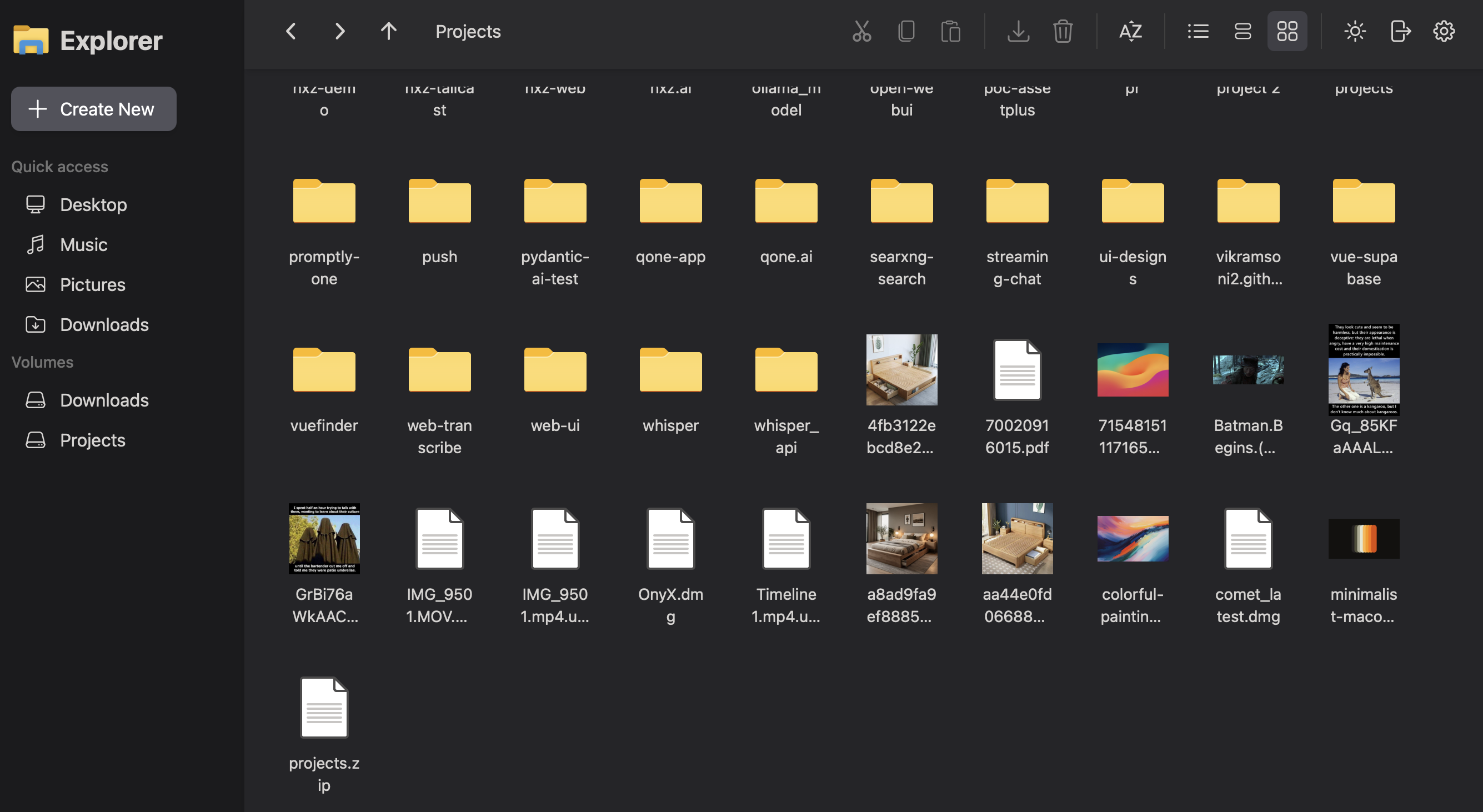
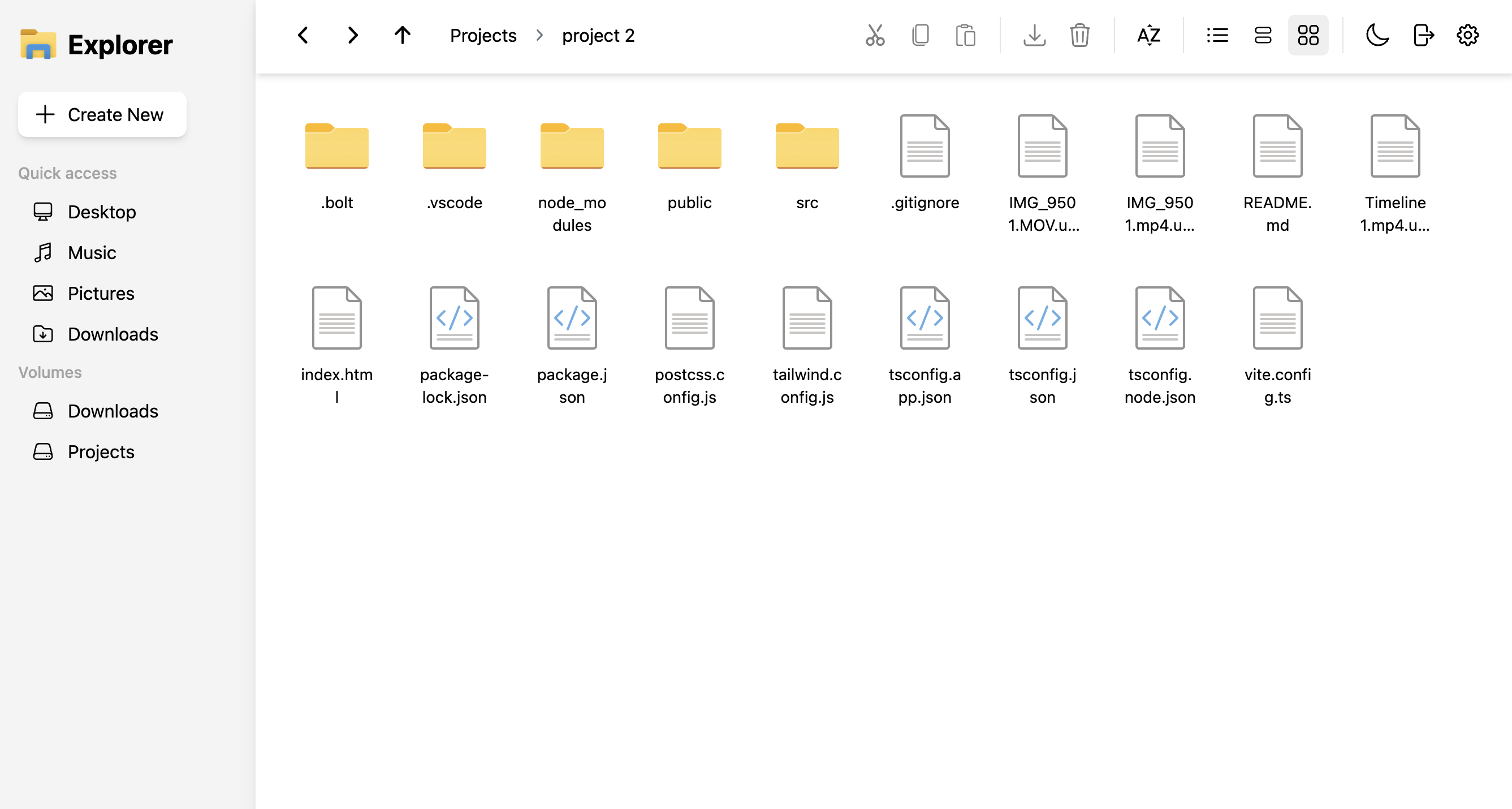
| Visual grid for media-heavy folders. | Clean light theme option. |
 |  |
|---|---|
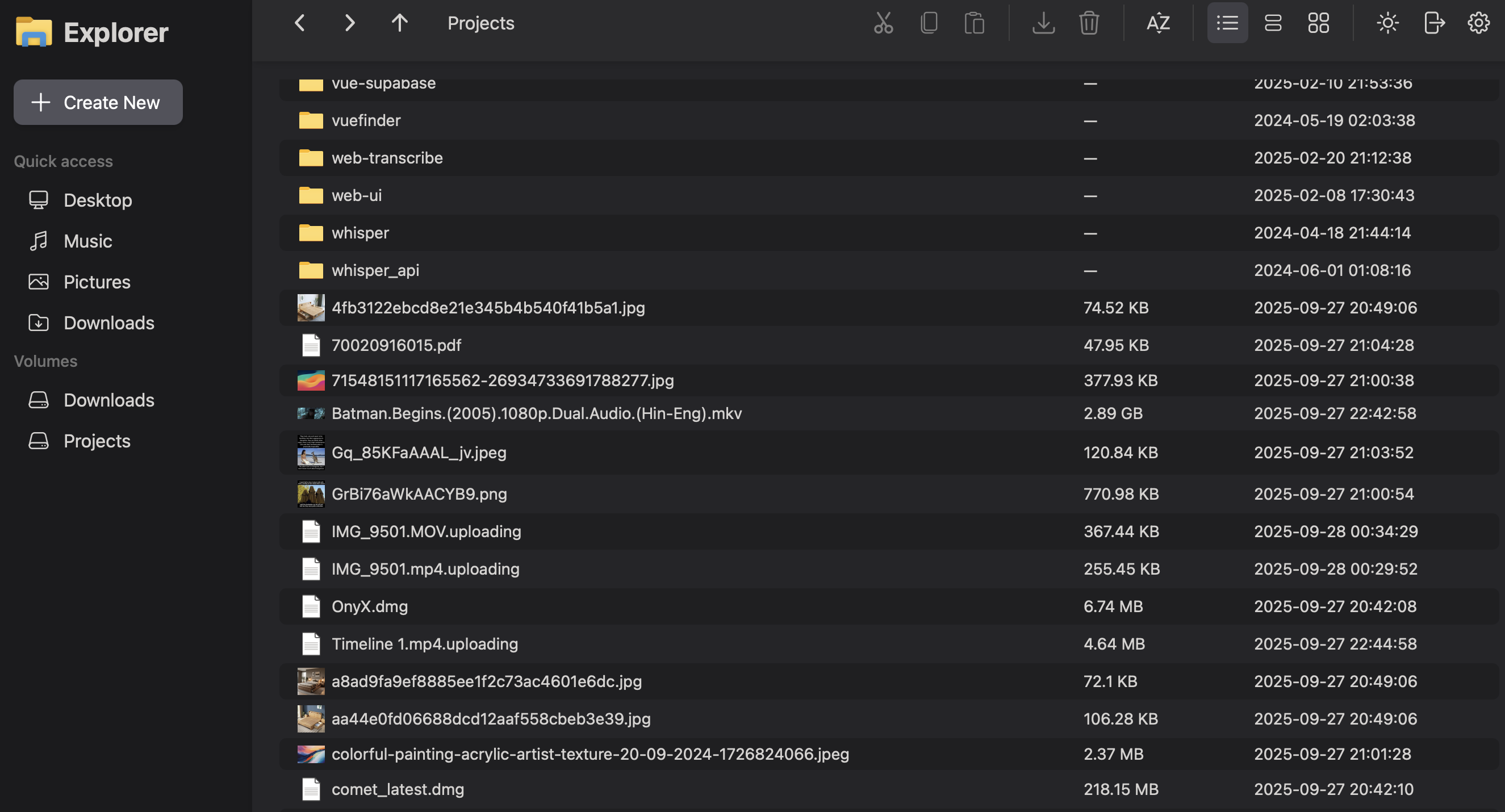
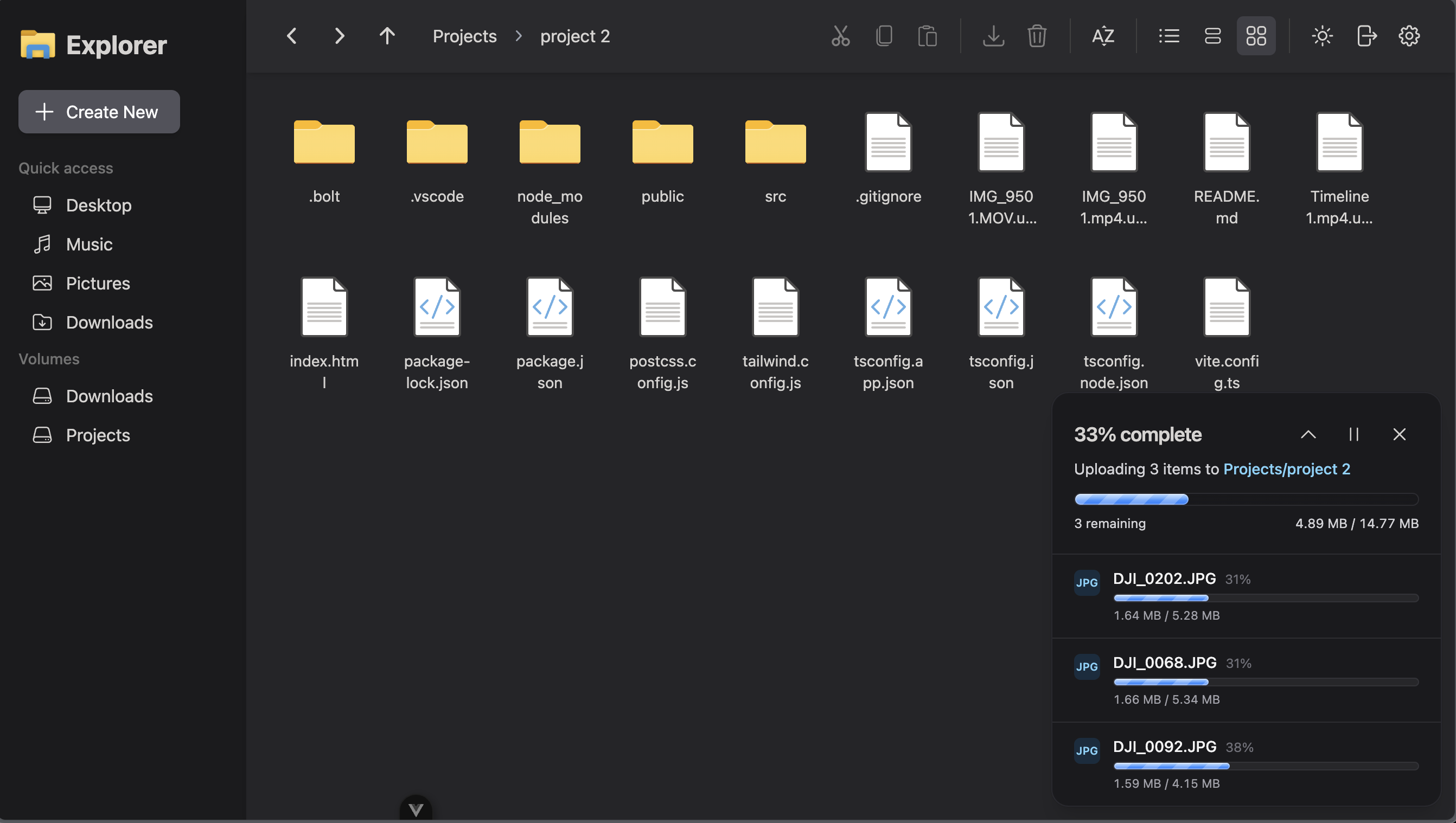
| Detail view highlights size and timestamps. | Track multi-file uploads with progress. |