Skip to content
Self-hosted. Secure. Yours.

Your files.
Beautifully organized.

A refined, self-hosted file explorer for teams and homelabs. Keep full control of your data without giving up a great experience.

One Docker containerOpen sourceNo cloud required
explorer.local
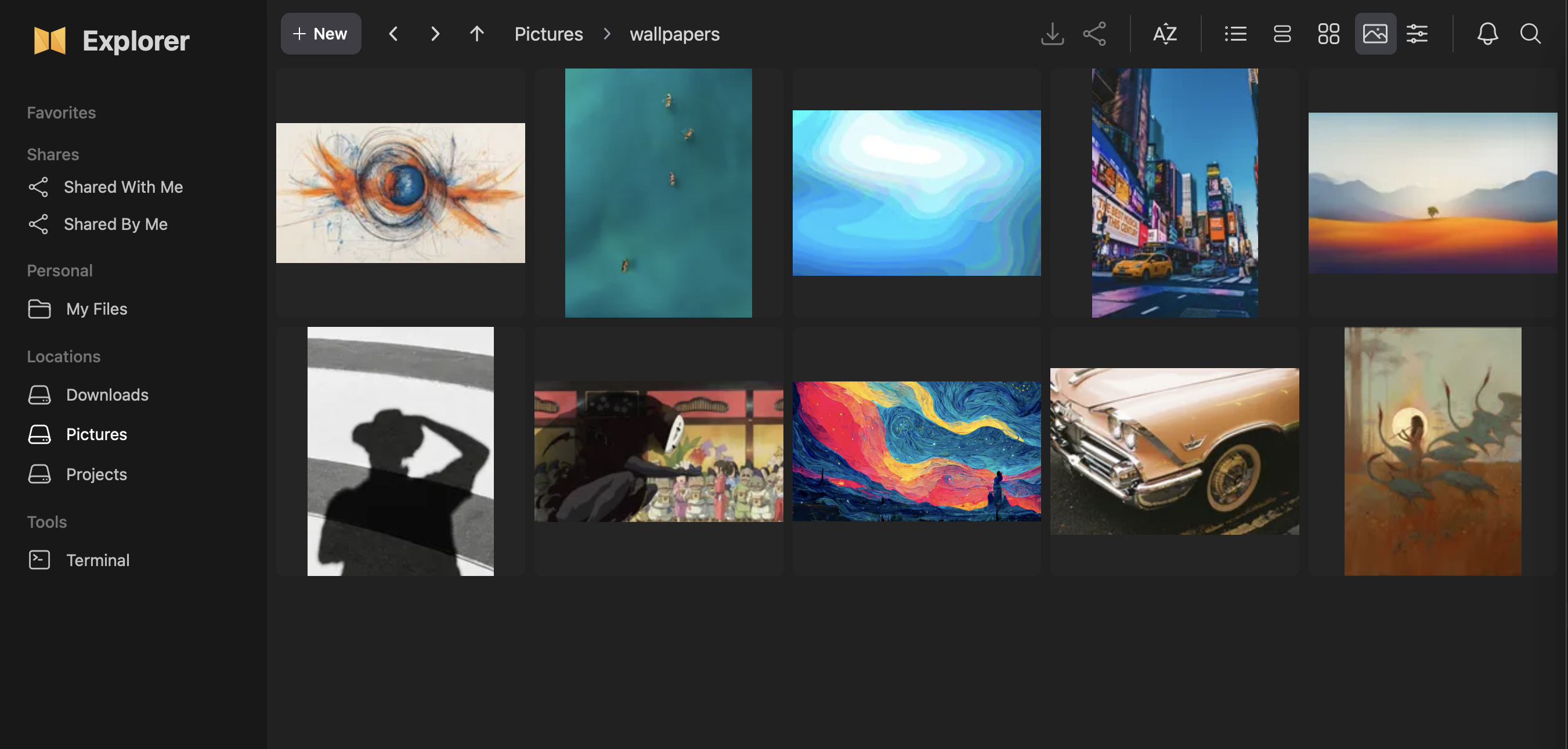
nextExplorer workspace showing mounted volumes
Private by designYour server, your rules
Ready in minutes

Made for real file systems

Leave your files where they are.
Make them better to use.

nextExplorer adds a thoughtful, modern layer to the storage you already trust—without asking you to migrate into someone else’s library.

01 / Volumes

Mount it.
It’s already organized.

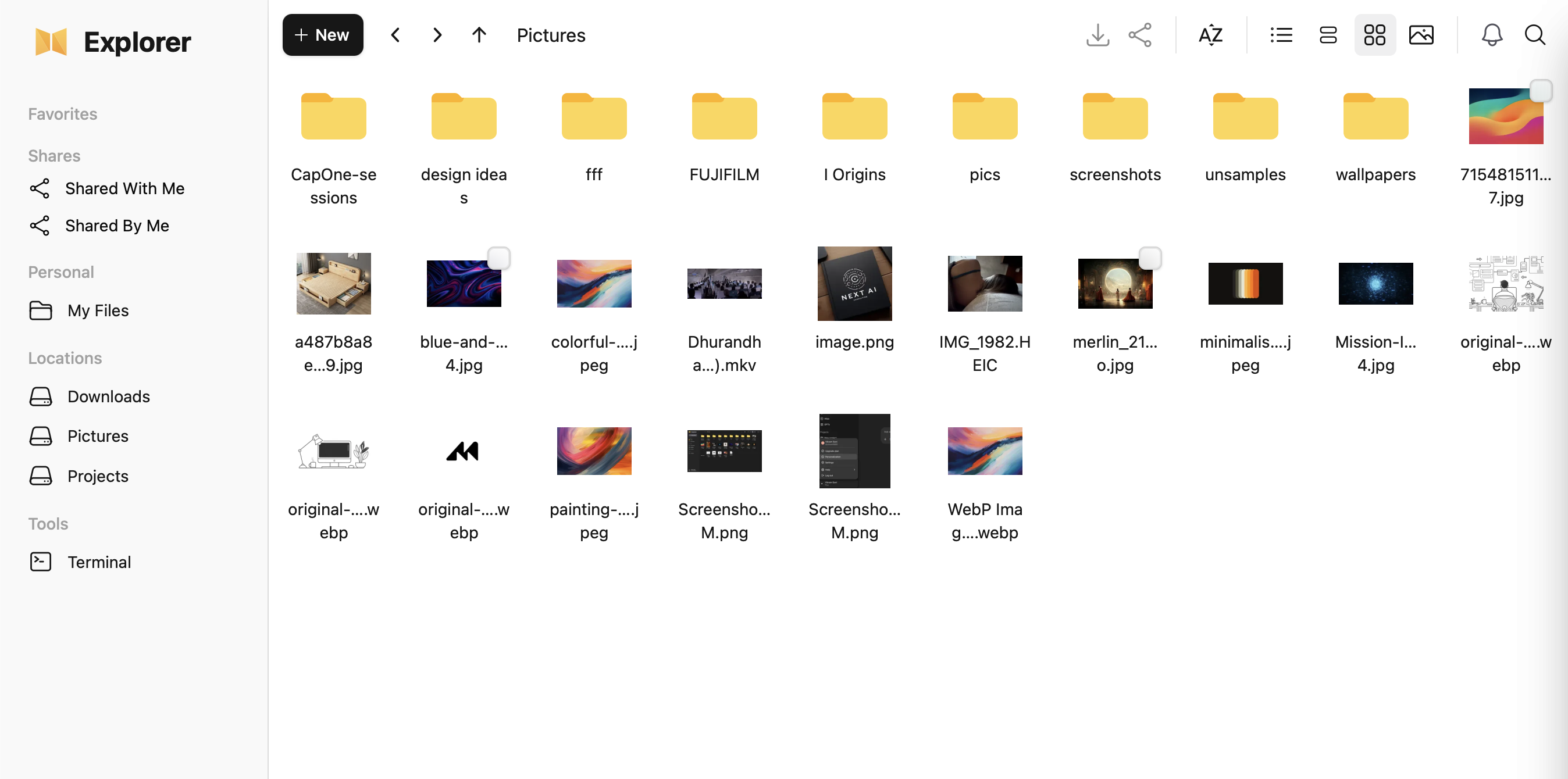
Point nextExplorer at any host directory and it appears as a named volume. Your folders stay exactly where they are—same paths, same structure, zero importing or rearranging.

Any directoryMultiple volumesNo migration
/srv/projects
/nas/photos
/media/archive
nextExplorer
VOLUMES
Projects
Photos
Archive
quarterly revenue⌘ K
Everywhere12 results
XQ4-forecast.xlsxFinance / ForecastsFilename
board-notes.pdf“…reviewed the quarterly revenue outlook…”Content
</>metrics.ts“…label: 'quarterly revenue'…”Content
02 / Search

Find the file.
Or the words inside it.

Search across filenames and file contents from one fast interface. nextExplorer can surface matching text inside code, documents, and PDFs—not just files whose names you happen to remember.

Explore global search
03 / Workspace

The familiar,
made delightful.

Move naturally between grid, list, and column views. Pin important folders as personal favorites, then give each one its own name, color, and icon.

◆Client work/Projects/Active⌘1
✦Design library/Assets/Brand⌘2
♪Music/Media/Audio⌘3
04 / Terminal

When clicking
isn’t enough.

Admins can open a real terminal in the current directory without leaving the browser. Run a command, refresh the workspace, and keep moving.

projects — zsh
~ cd /mnt/Projects
Projects ls -la
drwxr-xr-x  client-work
drwxr-xr-x  design-system
Projects
05 / File previews

See what’s inside.
Open nothing else.

Inspect photos, RAW captures, video, audio, and PDFs directly in the browser. Move through a folder in the full-size viewer while every original file stays untouched.

HEICNEFARWDNGCR2RAF
Image opened in nextExplorer's built-in media viewer
Original filePreviewed in place
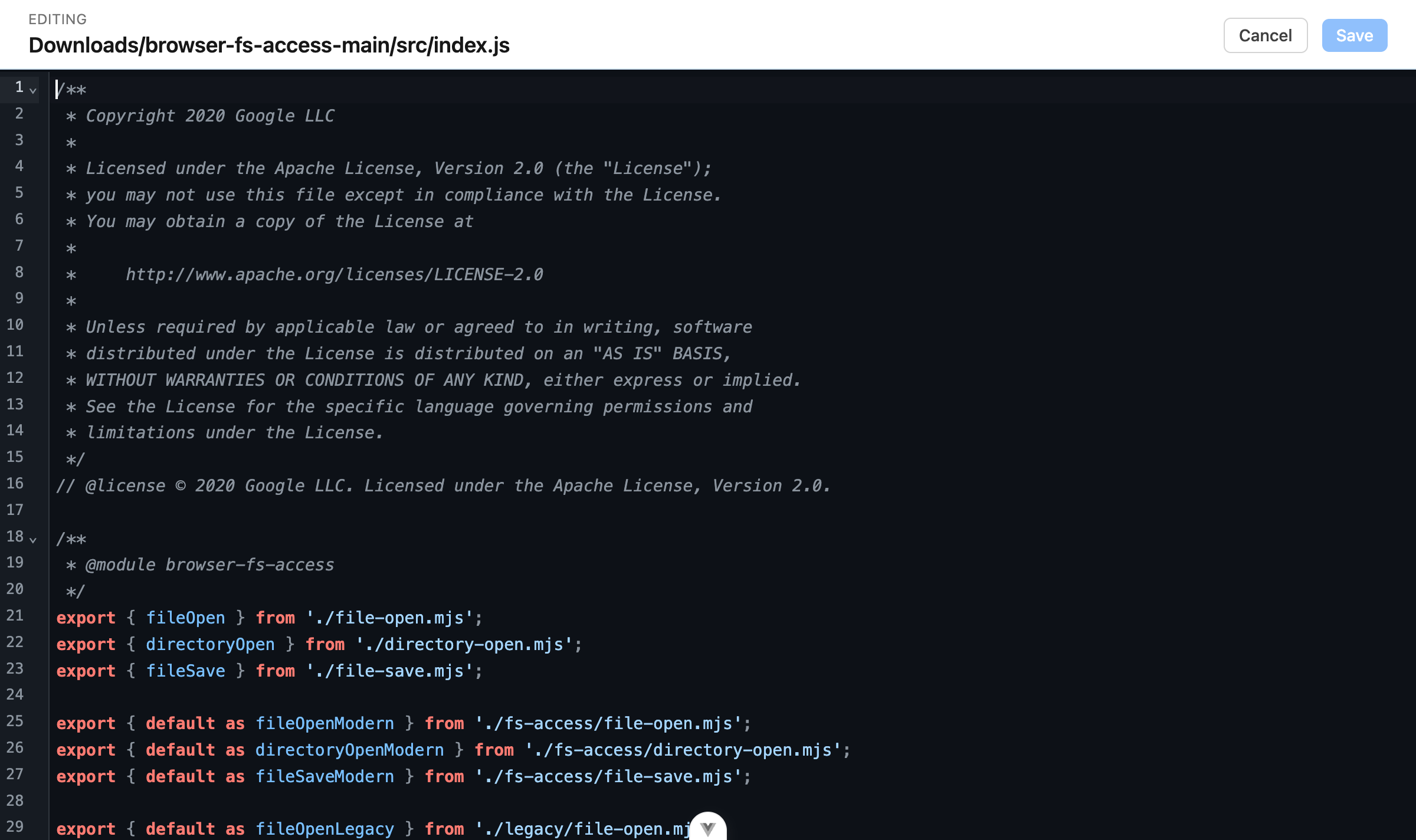
JavaScript file open in nextExplorer's built-in editor
app.jsJavaScript · Saved
06 / Editor

Make the change.
Stay in context.

Open and edit text, code, and configuration files without leaving nextExplorer. Syntax highlighting, themes, and familiar editor controls make quick changes feel natural.

Explore editing options
07 / User permissions

The right access.
For every user.

Decide who can see, download, upload, edit, or delete files. Apply clear rules to each location without changing the permissions on disk.

Manage user access
ASAlex SmithProjects / Client workCustom
✓View & download✓Upload & edit—Delete items

Documentation

Everything you need,
right where you expect it.

From first launch to production hardening, follow concise guides written for real deployments.

Simple by default

One container.
Your entire workspace.

Mount your data, persist the configuration, and launch. nextExplorer handles previews, search, authentication, and sharing.

Read the deployment guide
compose.yaml YAML
services:
  nextexplorer:
    image: nxzai/explorer:latest
    ports:
      - '3000:3000'
    volumes:
      - /srv/config:/config
      - /srv/data:/mnt/data
Container healthylocalhost:3000 ↗

Ready when you are

Make your files feel at home.

Launch a private, polished workspace in minutes.